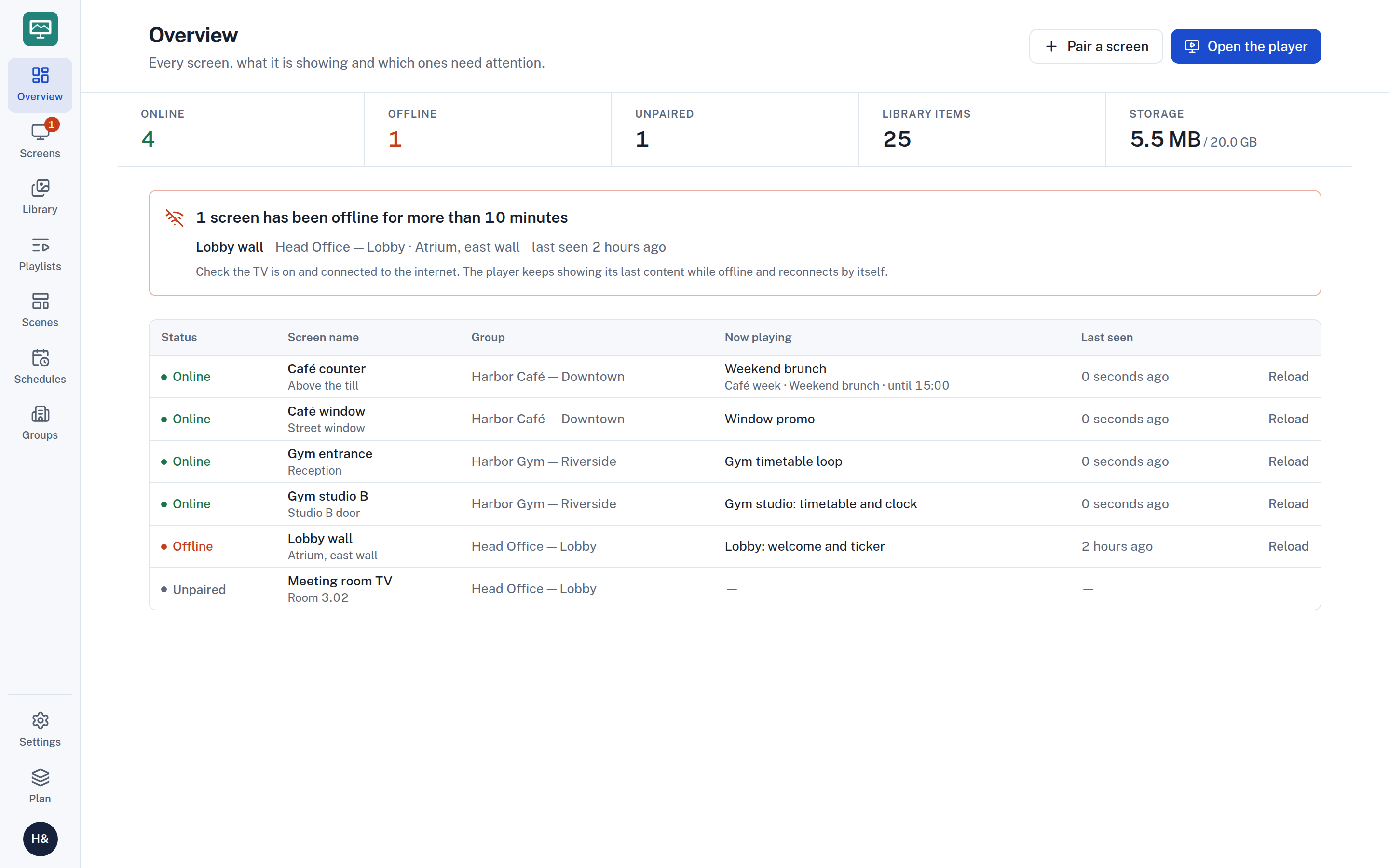
The dashboard
Owners see which screens are online, what each one is showing and which ones need attention. Screens, library, playlists, scenes, schedules and groups each have their own page.
For cafés, shops, gyms, clinics and offices
Screenfleet turns any TV, Fire TV stick or Raspberry Pi into a managed screen: open one address, type the code it shows, and assign a playlist, a zoned scene or a weekday schedule. Menu boards, posters, videos, PDFs, clock, weather and tickers are built in, and a screen that loses the internet keeps playing.
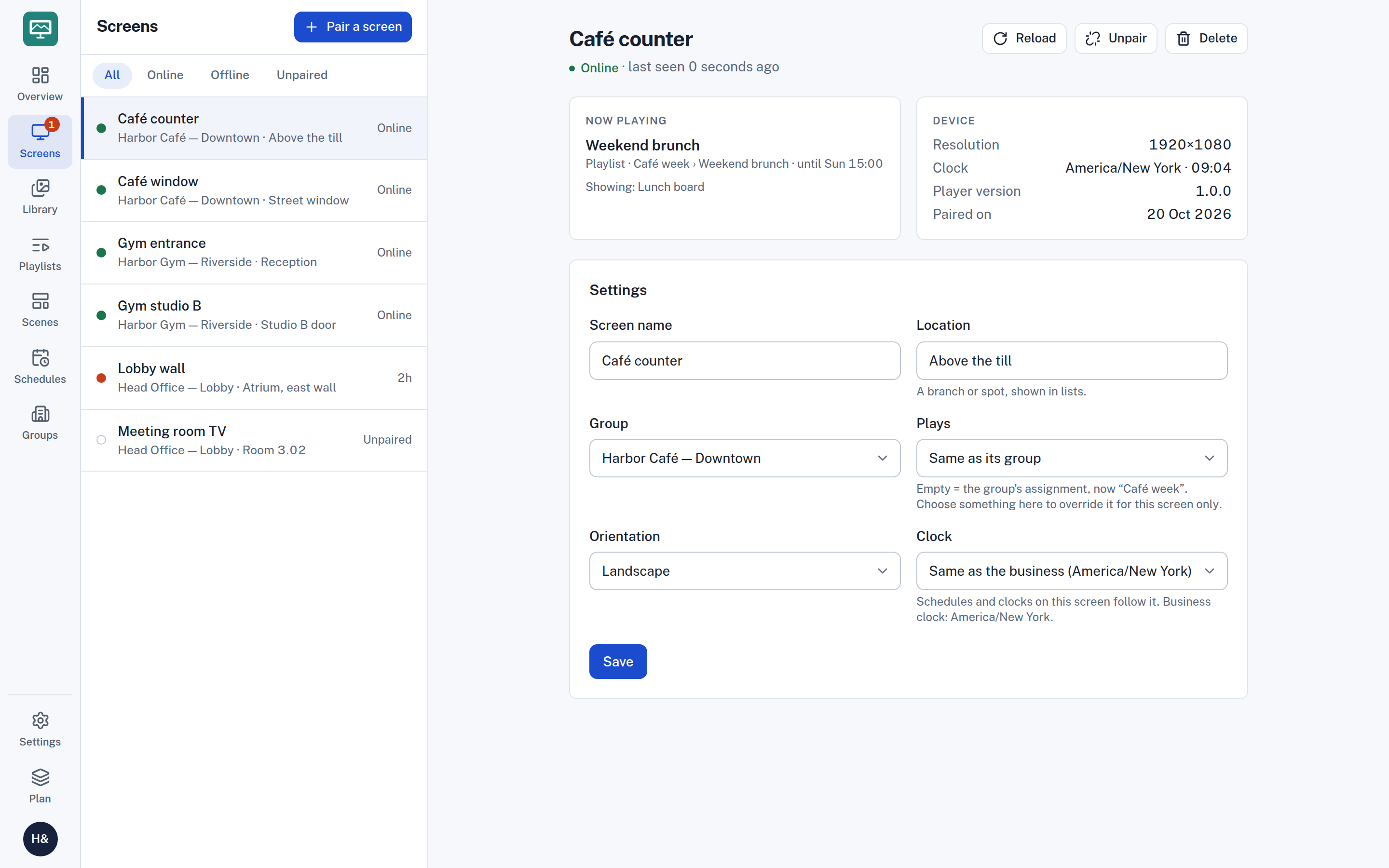
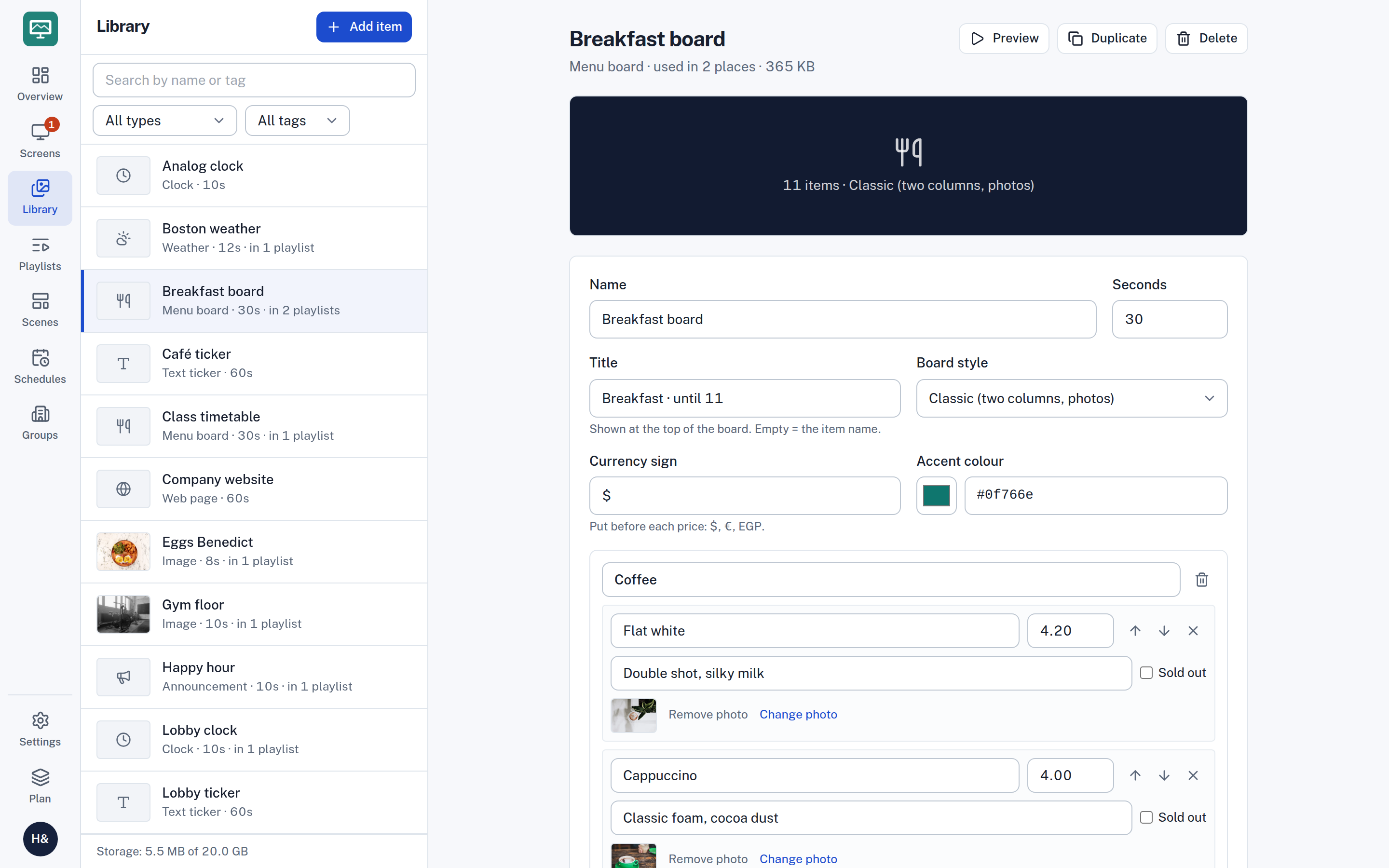
The demo server is loaded with a café, a gym and a head office; the sign-in page lists a login for the owner and one for the platform admin.
Owners see which screens are online, what each one is showing and which ones need attention. Screens, library, playlists, scenes, schedules and groups each have their own page.
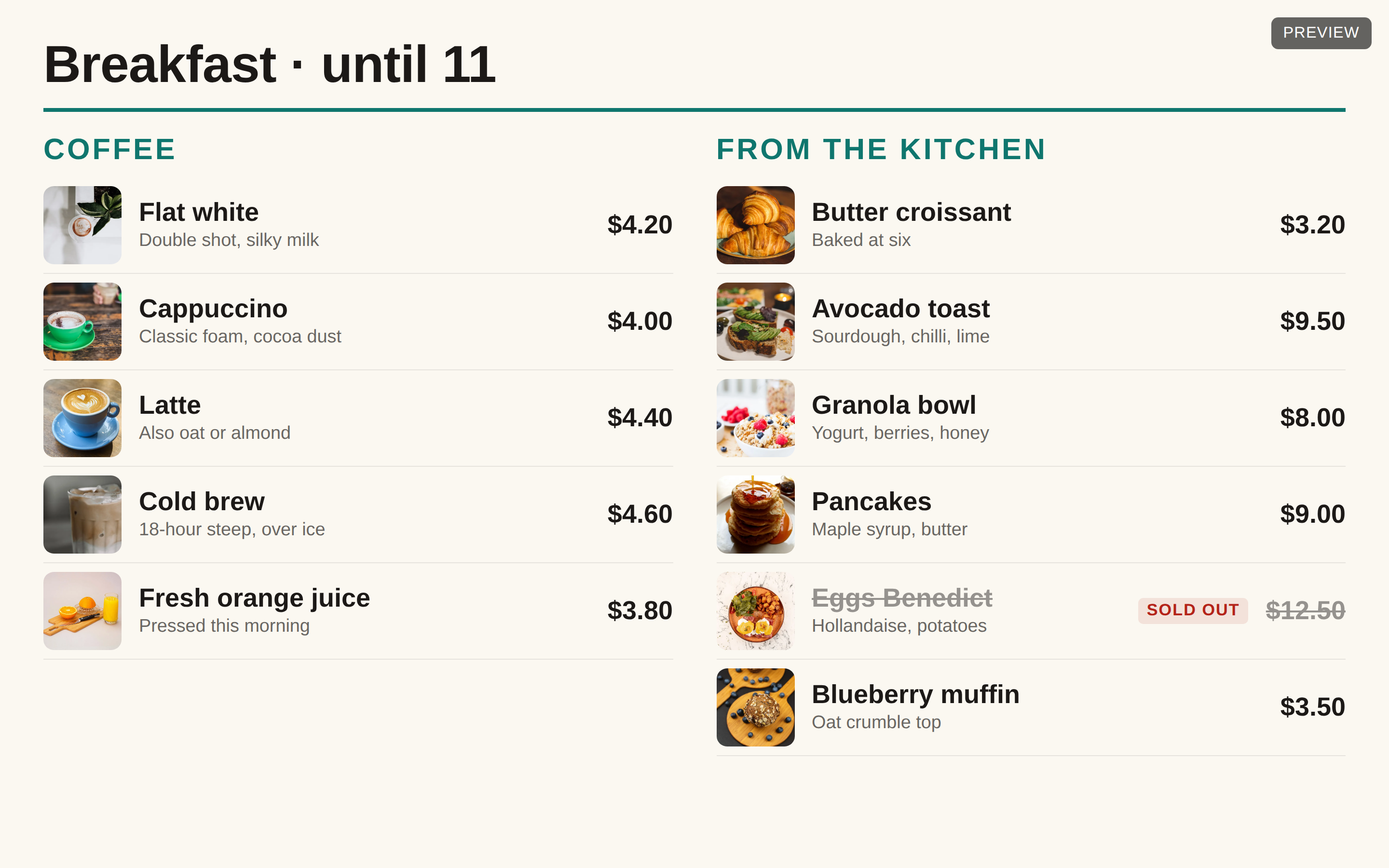
The player is one public address. It shows a pairing code and QR until the owner claims it, then plays its playlist or scene, reports a heartbeat every 30 seconds and picks up changes within a minute.
Everything a small business needs on its screens, with nothing to install on the TV.
Plans limit screens, storage and video. Owners pay by card (Stripe) or PayPal; the platform admin edits the plans.
Free
Free
One screen with images and boards.
Shop
$19 / month
A shop or café with a few screens and video.
Chain
$59 / month
Several branches, many screens.
Anything with a reasonably modern browser: Smart TVs with a browser, Fire TV and Android TV sticks (with a browser app), Chromecast with Google TV, Raspberry Pi in kiosk mode, Intel sticks, old laptops. The player is plain JavaScript with no app to install.
The player keeps the last manifest and its media in the browser cache and carries on looping. A small dot shows while the server is unreachable; it reconnects and refreshes by itself.
A screen checks for new content every 60 seconds and reports a heartbeat every 30. Schedules switch at the exact minute. "Reload" in the dashboard forces a full reload on the next check-in.
Yes. Groups gather screens by branch or room, each with its own assignment, and each screen can set its own time zone and orientation.
No. MP4 (H.264) and WebM files are uploaded into the library, served with long cache headers and played muted in a loop. Video uploads can be limited to paid plans.
PHP 8.3 with GD, MySQL/MariaDB or SQLite, and a cron entry. The setup wizard writes the configuration and creates the admin account.